
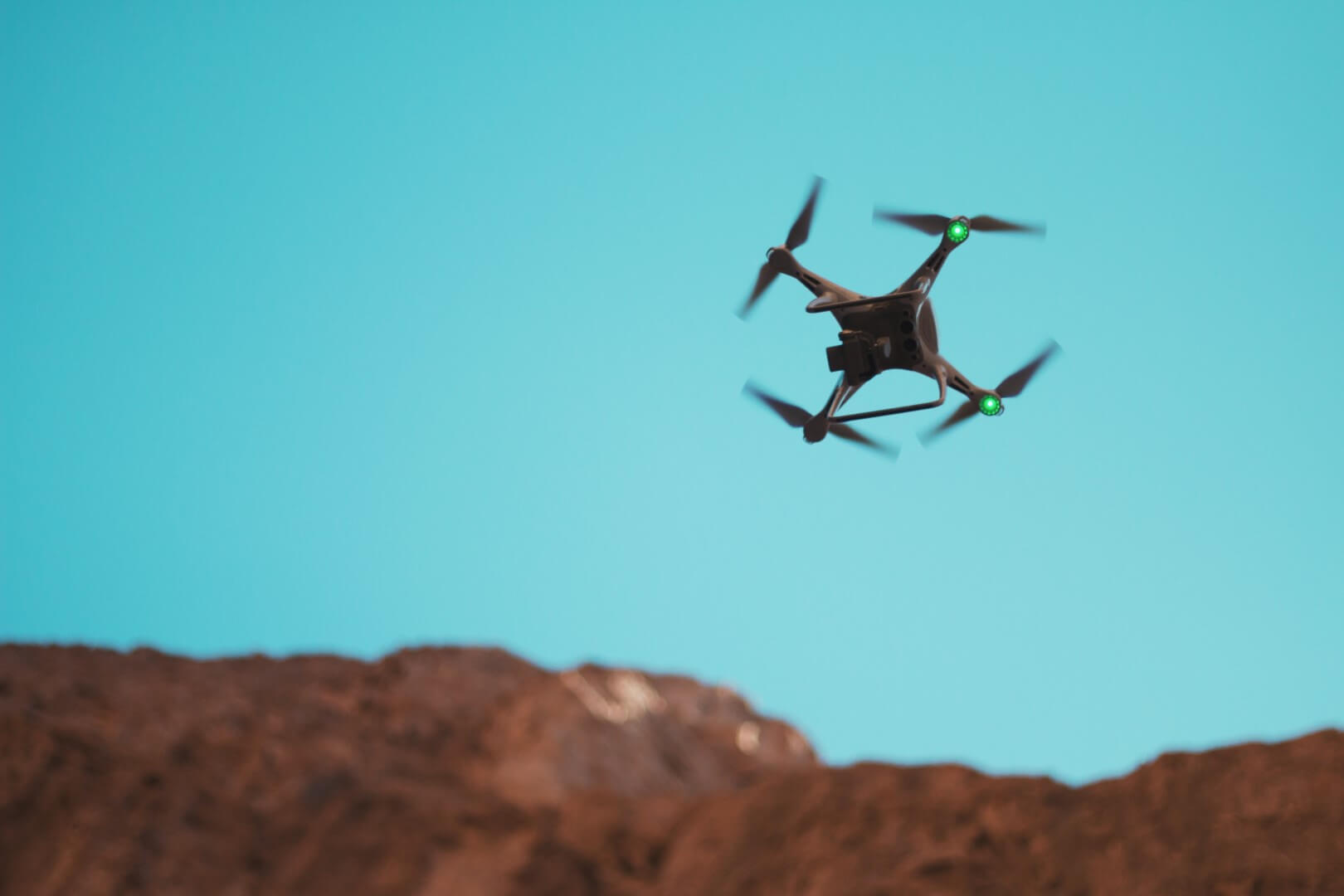
How to Fly a Drone: The Complete Beginner's Guide to Mastering Your First Flight
Learning to fly a drone can be both exciting and intimidating for beginners. This comprehensive guide breaks down everything you need to know to confidently operate your drone, from pre-flight preparations to advanced maneuvering techniques. Whether you've just unboxed your first drone or are preparing to take to the skies, these fundamental principles will set you on the path to becoming a skilled pilot.
Pre-Flight Preparation: Setting Yourself Up for Success
Understanding Your Drone's Components
Before your first flight, familiarize yourself with these essential parts:
• Frame: The physical structure of your drone
• Motors & Propellers: Provide lift and movement
• Battery: Power source (always use manufacturer-approved batteries)
• Controller/Transmitter: Your interface for controlling the drone
• Camera/Gimbal: For capturing stabilized footage (if equipped)
• Sensors: GPS, obstacle avoidance, and vision positioning systems
Essential Pre-Flight Checklist
1. Battery Levels: Ensure both drone and controller batteries are fully charged
2. Propeller Inspection: Check for damage, cracks, or wear; ensure proper attachment
3. Firmware Updates: Verify all systems have the latest software updates
4. SD Card: Insert formatted memory card with sufficient space
5. Weather Assessment: Check wind conditions (under 15 mph ideal for beginners)
6. Location Selection: Choose open, obstacle-free area away from people
7. Airspace Verification: Use apps like B4UFLY or AirMap to ensure legal flying zone
8. Calibration: Perform compass and IMU calibration if recommended by manufacturer
Safety Gear and Accessories
• Propeller guards: Essential for indoor or beginner practice
• Landing pad: Provides clean takeoff/landing surface
• ND filters: For better camera performance in bright conditions
• First aid kit: Always good to have available
Understanding Drone Controls: The Basics
Controller Layout Fundamentals
Most drone controllers follow a similar configuration:
Left Stick (Throttle and Yaw)
• Up/Down: Controls altitude (throttle)
• Left/Right: Rotates drone clockwise/counterclockwise (yaw)
Right Stick (Pitch and Roll)• Up/Down: Moves drone forward/backward (pitch)
• Left/Right: Moves drone left/right (roll)
Flight Modes Explained
• Beginner Mode: Limits speed, altitude, and distance
• Position Mode: Uses GPS for stable hovering and position holding
• Sport Mode: Maximum speed and responsiveness (avoid as beginner)
• Tripod Mode: Slow, cinematic movements for smooth footage
Important Buttons and Switches
• Return-to-Home (RTH): Automatic return to takeoff point
• Pause Button: Immediately stops all movement
• Camera Controls: Photo/video capture and gimbal adjustment
• Flight Mode Switch: Changes between different flying modes
Your First Flight: Step-by-Step Guide
Step 1: Finding the Perfect Practice Location
Choose an area with:
• Open space (football field or large park ideal)
• Minimal people and obstacles
• Good GPS signal (avoid areas with tall buildings or heavy tree cover)
• Legal permission to fly (check local regulations)
Step 2: Pre-Flight Setup
1. Place drone on level surface
2. Power on controller first, then drone
3. Wait for GPS acquisition (usually 30-60 seconds)
4. Verify adequate satellite connection (minimum 7-10 satellites)
5. Check battery levels and warning messages
Step 3: Basic Takeoff Procedure
Manual Takeoff:
1. Slowly push left stick upward until motors start
2. Continue raising throttle until drone lifts off
3. Hover at eye level (3-6 feet) for initial stability check
Auto Takeoff (if available):4. Press auto takeoff button in app
5. Drone will automatically rise to preset height (usually 3-4 feet)
6. Be ready to take control immediately
Step 4: Mastering Hovering
Hovering is the most fundamental skill:
1. Find neutral throttle position that maintains altitude
2. Use small stick movements to maintain position
3. Practice facing different directions (nose-in, nose-out)
4. Work on maintaining steady hover for 30-60 seconds
Step 5: Basic Movement Patterns
Forward/Backward:
• Use right stick gently forward/backward
• Maintain consistent altitude with left stick
• Practice straight lines at slow speed
Left/Right Movement:• Use right stick left/right while maintaining heading
• Keep movements smooth and gradual
Turning (Yaw):• Use left stick left/right to rotate drone
• Practice maintaining position while rotating
Ascending/Descending:• Use left stick up/down smoothly
• Look up when ascending to avoid obstacles
• Descend slower than ascent rate for stability
Step 6: Basic Maneuvers to Practice
1. Square Pattern: Fly forward, right, backward, left
2. Circle Pattern: Practice orbiting a fixed point
3. Figure-Eight: Develop coordinated control skills
4. Approach and Retreat: Fly toward and away from yourself
Step 7: Landing Techniques
Manual Landing:
1. Position drone 2-3 feet above landing spot
2. Slowly reduce throttle until gentle touchdown
3. Cut throttle to zero once on ground
Auto Landing (if available):4. Press auto land button in app
5. Monitor descent and be ready to take control
6. Drone will shut off motors automatically upon landing
Common Beginner Mistakes and How to Avoid Them
1. Overcontrolling
• Problem: Making large, jerky stick movements
• Solution: Use smaller inputs and practice smooth transitions
2. Orientation Confusion
• Problem: Losing track of which way drone is facing
• Solution: Practice nose-in hovering; use drone lights for orientation
3. Wind Mismanagement
• Problem: Fighting wind instead of working with it
• Solution: Fly into wind when possible; avoid flying in high winds
4. Battery Mismanagement
• Problem: Flying until critical battery level
• Solution: Return home at 30% battery; monitor voltage levels
5. Spatial Awareness Issues
• Problem: Misjudging distances and heights
• Solution: Use obstacle avoidance features; practice depth perception
Essential Flight Skills Development Plan
Week 1: Foundation Building
• Day 1-2: Basic takeoff, hovering, and landing
• Day 3-4: Forward/backward and left/right movement
• Day 5-7: Combined movements and basic patterns
Week 2: Skill Development
• Practice flying square and circle patterns
• Work on maintaining constant altitude during turns
• Practice approaching and landing from different angles
Week 3: Advanced Basics
• Fly figure-eight patterns
• Practice with drone facing different directions
• Begin incorporating camera control while flying
Week 4: Real-World Application
• Fly in slightly windier conditions (10-15 mph)
• Practice filming specific subjects or points of interest
• Try automated flight modes (follow me, orbit, etc.)
Weather Considerations for Safe Flying
Ideal Conditions for Beginners
• Wind Speed: Under 15 mph
• Visibility: Clear days with good light
• Precipitation: Absolutely no rain or snow
• Temperature: Between 32°F and 95°F (0°C to 35°C)
Weather Hazards to Avoid
• High winds: Can cause loss of control
• Rain/Snow: Damages electronics and motors
• Fog/Mist: Reduces visibility and can wet components
• Extreme temperatures: Affects battery performance
Emergency Procedures Every Pilot Should Know
Loss of Orientation
1. Stop all movement
2. Use auto-return home if available
3. Slowly rotate drone until orientation is clear
4. Fly backward if unsure of forward direction
Low Battery Warning
1. Remain calm
2. Initiate return to home immediately
3. Monitor descent and be prepared to take manual control
4. Land as soon as safely possible
Signal Loss
1. Drone should automatically initiate return to home
2. Do not panic—most drones have fail-safes
3. Move to open area to reestablish connection
4. Monitor drone's return progress
Unexpected Wind
1. Point drone into wind
2. Reduce altitude (winds are often weaker lower)
3. Use sport mode if available for more power
4. Land safely and wait for conditions to improve
Practice Drills for Muscle Memory Development
Hovering Challenges
• Maintain hover within 3-foot circle for 60 seconds
• Hover while slowly rotating 360 degrees
• Practice nose-in hovering at increasing durations
Precision Landing Drills
• Land on specific targets (hula hoop or landing pad)
• Practice landing from different approach angles
• Time yourself landing from 30 feet altitude
Obstacle Course Setup
• Create simple course with cones or household objects
• Practice flying through gates and around obstacles
• Gradually increase speed and complexity
Next Steps: Developing Your Piloting Skills
After mastering basic flight, consider:
• Advanced maneuvers: Orbiting, tracking, and complex patterns
• Photography skills: Composition, camera settings, and editing
• Regulatory knowledge: Part 107 certification (US) or local equivalent
• Specialized training: Mapping, inspection, or search and rescue techniques
Conclusion: Your Journey to Becoming a Confident Pilot
Learning to fly a drone is a progressive skill that requires patience and practice. Start with the basics, build your confidence in controlled environments, and gradually challenge yourself with more complex flying scenarios. Remember that even experienced pilots were once beginners—every flight is an opportunity to learn and improve.
Prioritize safety above all else, respect regulations and privacy concerns, and always fly responsibly. The drone community is generally welcoming and supportive, so don't hesitate to seek advice from more experienced pilots as you develop your skills.
With consistent practice and the guidance provided in this article, you'll soon transition from hesitant beginner to confident pilot, ready to explore the incredible possibilities that drone flying offers. The sky awaits—happy flying!


{{ commentCount }} Comments